How to Pay for Temu With a Virtual Card (Even When Your Nigerian Card Keeps Failing)
Instead of needing dollars sitting in a domiciliary account before you can even create a card, an app like HostFi lets you fund a USD virtual card straight from Bitcoin, USDT, USDC, Solana, BNB, or Ethereum.

You add a few items to your Temu cart, get to checkout, and the payment fails. You try again. Same result. If you want to pay for Temu with a virtual card instead of fighting your local bank all over again, you are not alone, and the fix is simpler than it looks.
Most Nigerian debit and credit cards are issued in naira and were never set up for international transactions in the first place. Temu processes payments through international rails that expect a card denominated in dollars, so a naira card gets flagged before the transaction even reaches the review stage.
Why Temu Keeps Declining Nigerian Debit Cards
Banks in Nigeria restrict most naira cards from international spending as a fraud and foreign exchange control measure. Even when a bank technically allows foreign transactions, strict limits and extra verification steps often get in the way at checkout. Temu's payment processor also checks that your billing details match the card's issuing country, so a naira card entered with a Nigerian address can trip that check too.
None of this means something is wrong with your Temu account. It just means the card in your wallet wasn’t designed for this job.
How to Pay for Temu Without a Debit Card
There are a few workarounds people reach for when a bank card will not cooperate: prepaid gift cards, digital wallets, borrowing a friend's foreign card, or a dollar virtual card.
Gift cards are hard to find for a platform like Temu specifically, and they rarely cover a full cart once fees and conversion are factored in. Borrowing a card means trusting someone else with your shipping details and hoping they don't mind fronting the payment until you pay them back. A virtual card sidesteps both problems. You control the balance, you control the spend, and no one else's card details ever touch Temu's checkout.
What Payment Methods Does Temu Accept?
Temu accepts Visa and Mastercard, along with a handful of digital wallets and, in some regions, PayPal. What actually clears at checkout depends less on the card network and more on where the card was issued and whether the billing address matches it.
This is where virtual cards earn their reputation. A dollar virtual card carries an internationally recognised billing profile, runs on the same Visa or Mastercard rails Temu already accepts, and does not carry the restrictions a Nigerian naira card usually has attached to it.
The Best Virtual Card for Online Shopping on Temu
Among the options above, a virtual card for online shopping tends to have the highest success rate and the least hassle attached, and a crypto virtual card for Temu takes that a step further.
Instead of needing dollars sitting in a domiciliary account before you can even create a card, an app like HostFi lets you fund a USD virtual card straight from Bitcoin, USDT, USDC, Solana, BNB, or Ethereum. You hold value in whichever asset suits you, and turn it into a spendable dollar card the moment you need it, without routing funds through a bank first. For anyone weighing up the best virtual card for international shopping generally, that crypto-to-card step is usually the deciding factor.
How to Shop on Temu From Nigeria Using a Crypto Virtual Card
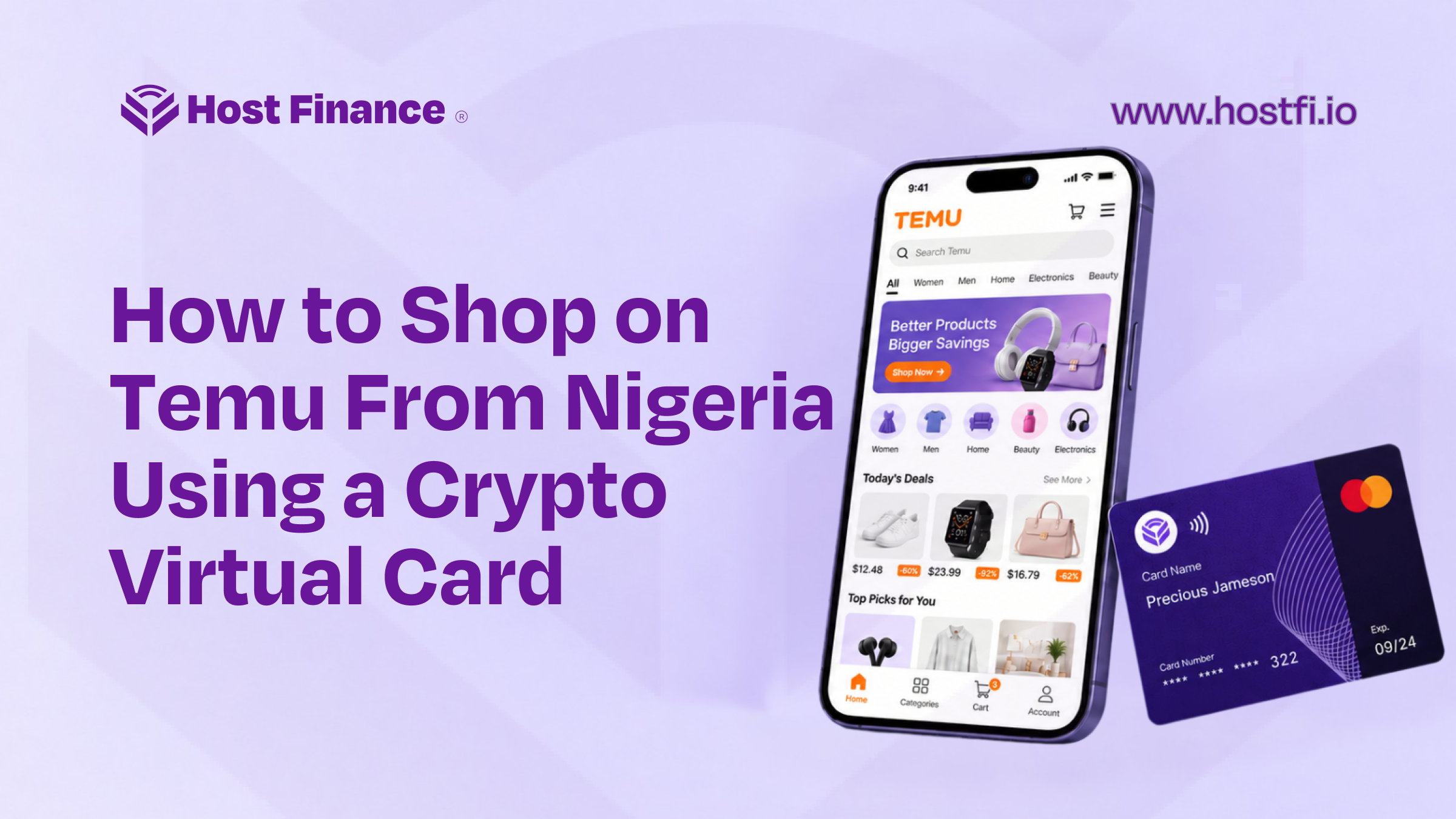
Here is what a Temu virtual card payment actually looks like from start to finish.
Step 1: Create your dollar virtual card
Open the HostFi app, go to Cards, and select Dollar (USD) as your card currency. Choose your card type, enter your initial funding amount, and confirm the authorisation fee notice. Enter your transaction PIN, and your card is created immediately, with the card number, expiry date, and CVV visible under the Cards section whenever you tap to reveal them.
Step 2: Fund the card with crypto
Open your card, tap Fund, and choose which wallet to pull from. Bitcoin, USDT, USDC, Solana, BNB, Ethereum, and naira are all supported. Confirm your balance covers your Temu order plus a small buffer, since some transactions carry a brief authorisation hold before the final charge clears. Enter your PIN and the conversion happens instantly. If you would rather pay for Temu with USDT specifically, select your USDT wallet at this step and the equivalent dollar value lands on your card right away.
Step 3: Add your card at Temu checkout
Log in to Temu, add your items to the cart, and proceed to checkout. Select card payment, then enter your HostFi card number, expiry date, and CVV. Make sure the billing address you enter matches the country tied to your card rather than your home address in Nigeria.
Step 4: Confirm and track your order
Submit your payment. Once it clears, Temu processes and ships your order like any other transaction, and you can track it from My Orders.
The whole process, from creating the card to placing your order, generally takes a few minutes once you have HostFi installed and verified.
Temu Payment Declined? Here's the Fix
If your payment still fails after switching to a virtual card that works on Temu, work through these before trying again.
- Balance too low. Fund a little above your order total to cover any pre-authorisation hold.
- Billing address mismatch. Enter the country tied to your virtual card, not your Nigerian address.
- Card not yet active. Check your card status in the HostFi app before assuming the fault sits with Temu.
- Repeated retries in a short window. Several failed attempts back to back can trigger a temporary risk flag. Wait a few minutes and try again once, with the details corrected.
If none of that resolves it, HostFi support can check your card status and help narrow down the cause. This is usually the quickest Temu card declined fix available, faster than waiting out a bank's own review process.
Frequently Asked Questions
Does Temu accept virtual cards?
Yes. Temu accepts Visa and Mastercard virtual cards the same way it accepts physical ones, provided the billing details match the card's issuing profile.
Can I use a crypto card on Temu?
Yes, as long as the card itself is a standard dollar Visa or Mastercard once issued. A crypto-to-virtual card app such as HostFi lets you fund that card from crypto directly, so you are effectively turning Bitcoin or USDT into a spendable Temu payment method without a separate conversion step on your end.
Why is my card declined on Temu?
Usually one of a few reasons: the card is not enabled for international transactions, the billing address does not match the card, the balance is too low to cover a pre-authorisation hold, or the account has been flagged after several failed attempts in a short time.
Is it safe to use a virtual card for Temu?
Yes, provided you get the card from a regulated provider. Virtual cards limit your exposure since your real financial details never touch Temu's checkout, and most providers let you freeze or delete a card instantly if anything looks off.